Artificial Intellingence

Artificial Intellingence

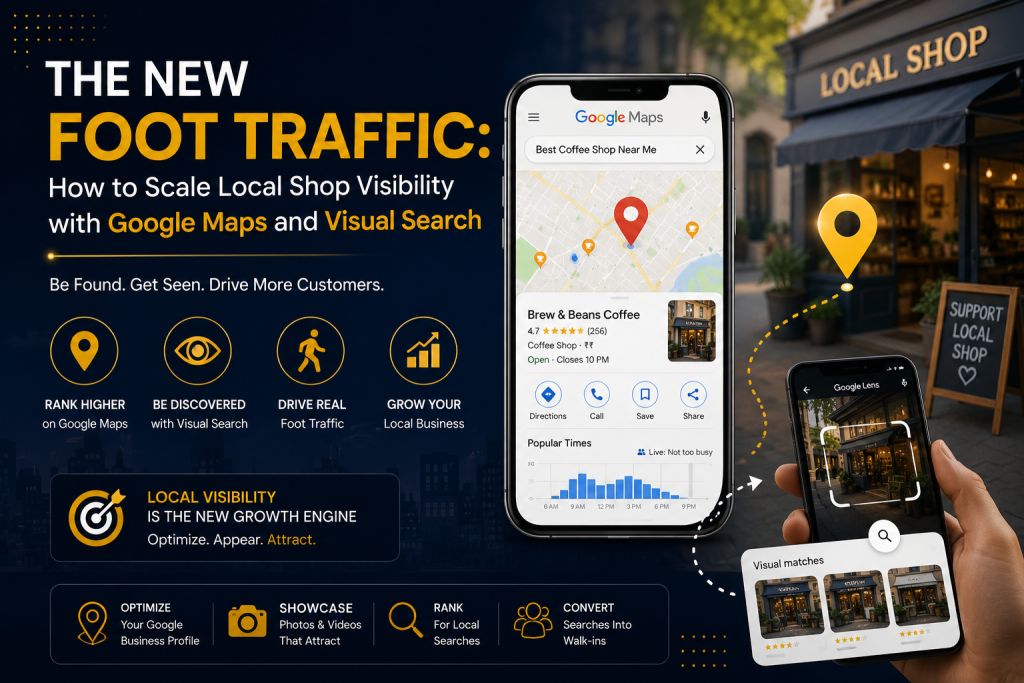
The New Foot Traffic: How to Scale Local Shop Visibility with Google Maps and Visual Search

Imagine a potential customer walking down a busy street in your neighborhood. They aren’t looking at billboards, and they aren’t flipping through local newspapers. Their eyes are glued to their smartphones. But they aren’t just typing words into a search box anymore. Maybe they are opening Google Maps to find a quiet coffee shop with outdoor seating that is open right now. Or maybe they see someone wearing a beautiful jacket, snap a quick photo of it using Google Lens, and instantly look for a boutique nearby that sells it. E2M Solutions This is the reality of local retail today. The way neighbors find your brick-and-mortar storefront has completely changed. Traditional marketing used to be about who could shout the loudest. Today, it’s about precision and discovery. At DeepScale, we don’t believe in vanity metrics like “impressions” or random likes. We focus on what actually moves the needle: foot traffic, store visits, and local phone calls. If you want your local shop to dominate the neighborhood and beat out the giant retail chains, you need to master two things: Google Maps Optimization and Visual Search Optimization. Here is your exact, no-jargon blueprint to make your shop impossible to miss. Part 1: Winning the Google Maps Battle (The 2026 Strategy) Most local shop owners treat their Google Business Profile (GBP) like a static yellow pages listing. They fill it out once, verify the address, and forget about it. That is a massive mistake. Google Maps is no longer just a map; it is an active, AI-driven recommendation engine. With recent updates like Google’s conversational AI features built directly into maps, search engines favor profiles that are active, deeply detailed, and trusted. To rank in the coveted “Local 3-Pack”—the top three local businesses Google shows at the very top of a search page—you need to optimize for three core pillars: Relevance, Distance, and Prominence. While you cannot control how close a customer is to your store (distance), you have complete control over the other two. Maximize Category Specificity      When setting up your profile, don’t just pick one broad category and stop there. Google allows you to choose one primary category and up to nine secondary categories.Impact Digital Marketing Institute The DeepScale Fix: If you own a clothing boutique, don’t just list “Clothing Store.” Add secondary categories like “Women’s Clothing Store,” “Men’s Clothing Store,” “Boutique,” and “Fashion Accessories Store”. This ensures you show up for niche, specific searches in your area. Treat Google Business Profile Like a Social FeedGoogle rewards active profiles. The algorithm monitors how often you update your profile to determine if your business is still relevant and open.Ariel Digital Action Step: Use the Google Posts feature at least once or twice a week. Treat it like a mini Instagram update. Share photos of new inventory, announce weekend discounts, or talk about a holiday schedule.Impact Digital Marketing Institute Build “Review Velocity” and RecencyWe all know reviews matter, but did you know that old reviews lose their power over time? Google’s algorithm values review velocity—how frequently you get new reviews—and recency over a massive historical score. A business with 50 reviews earned over the last three months will often outrank a competitor with 150 reviews from three years ago.Ariel Digital. Pro-Tip: Don’t just ask for stars; ask customers to name specific products or services in their text. When a customer writes, “Best cotton oversized t-shirts in Prayagraj,” Google reads that text, connects the dots, and uses it to rank your shop when someone else searches for those exact words. Always respond to every single review, positive or negative, to signal high engagement. Part 2: The Visual Search Revolution (Optimizing for Google Lens) Let’s talk about the future that is already here. Google Lens allows users to point their smartphone cameras at objects in the real world to identify and buy them. According to recent data, a massive chunk of visual searches are entirely shopping-focused.Promodo Imagine a local shopper sees a unique home decor item or a specific style of shoes at a friend’s house. They take a photo with Google Lens, and Google instantly displays online and local options where they can buy it.Promodo If your website and product images are not optimized for visual search, your inventory is invisible to these high-intent buyers. Here is how you bridge the gap between physical items and digital discovery.Pixel Studios High-Resolution, Multi-Angle Photography Google Lens relies on advanced computer vision to analyze shapes, textures, colors, and patterns. A single blurry photo taken in poor lighting won’t cut it.Promodo The Strategy: For the core products on your website or digital catalog, upload clear, high-quality images taken from multiple angles. Use clean, neutral backgrounds so the AI can easily isolate the product without getting confused by background clutter.Pixel Studios Speak to the AI via Image Alt Text and File Names Search engine crawlers cannot “see” a photo the way humans do; they read the data attached to it. If your product image file name is IMG_9082.jpg, you are wasting a massive SEO opportunity. The Fix: Change your file names to be highly descriptive before uploading them. Use lowercase letters and hyphens (e.g., men-black-leather-boots-waterproof.jpg).No Fluff Write Descriptive Alt Text: Alt text is the hidden description attached to an image. Instead of writing a generic tag like “shoes,” write a detailed, helpful phrase: “Men’s black leather ankle boots with side buckle and rubber sole.” This gives the visual search engine the exact context it needs to match your product with a user’s photo query.No Fluff Deploy Local Inventory Feeds If you run a retail shop, you want people to know what you have in stock right now. Google allows eligible local retail stores to connect their inventory directly to their business profiles. By enabling free local inventory listings through Google Merchant Center, nearby shoppers using Google Lens or Maps can instantly check your real-time stock, pricing, and sizing availability before driving to your store. Part 3: Why Consistency is the Ultimate Multiplier Lorem ipsum dolor
Artificial Intellingence

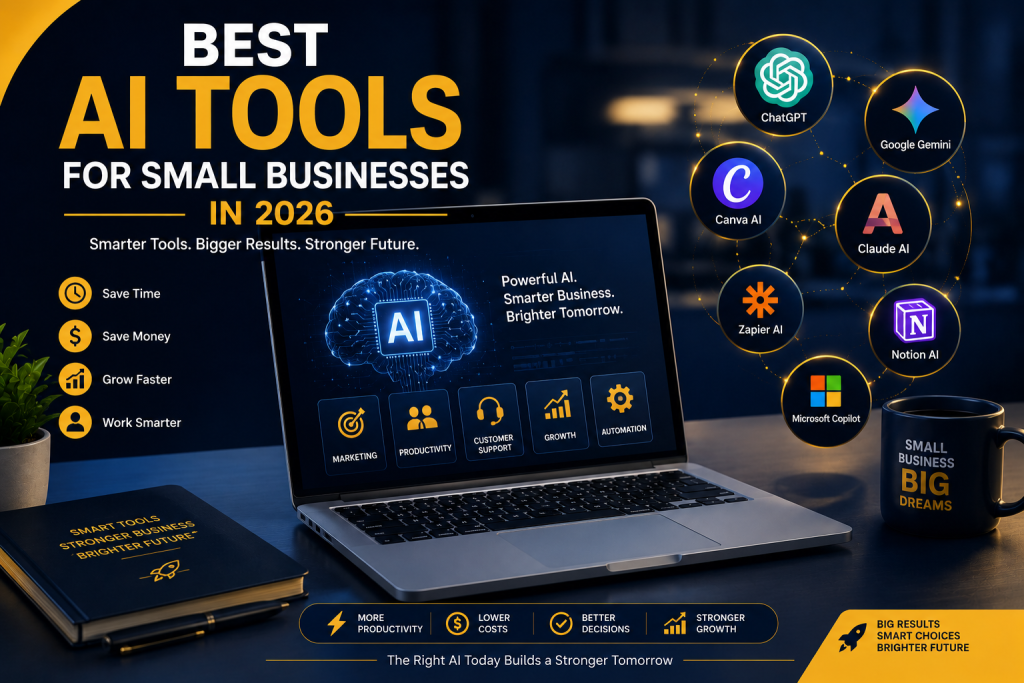
Best AI Tools for Small Businesses in 2026: Which Ones Are Worth Your Investment?

Best AI Tools for Small Businesses in 2026: Which Ones Are Worth Your Investment? Best AI Tools for Small Businesses in 2026 | Top AI Software Worth Your Investment Discover the best AI tools for small businesses in 2026. Compare AI tools for marketing, customer support, design, automation, and productivity to find the right investment for your business. Artificial Intelligence is no longer just a trend reserved for large corporations with massive budgets. In 2026, it’s become one of the most practical ways for small businesses to save time, reduce costs, and compete with larger companies. Whether you run a local retail store, a digital marketing agency, a coaching business, a real estate firm, or an eCommerce brand, AI can help you automate repetitive tasks, create better content, improve customer support, and make smarter business decisions. The challenge isn’t finding AI tools—it’s choosing the ones that actually deliver value. A quick search for “best AI tools” returns hundreds of options, many promising to transform your business overnight. In reality, most small businesses don’t need dozens of AI subscriptions. They need a focused set of tools that solve real problems without adding unnecessary complexity. Experts and practitioners increasingly recommend building a small, practical AI stack rather than paying for every new tool that appears. This guide highlights the AI tools that are genuinely worth considering in 2026, explains where each one fits best, and helps you decide which investments make sense for your business. Why Small Businesses Should Invest in AI Running a small business often means wearing multiple hats. On any given day, you might be answering customer inquiries, managing marketing campaigns, creating social media posts, handling invoices, updating your website, and following up with leads. AI doesn’t replace your expertise—it removes repetitive work so you can focus on growth. Businesses are increasingly adopting AI for content creation, marketing, customer service, and operational efficiency, with adoption among small businesses rising rapidly over the past few years. Some of the biggest benefits include: Saving hours every week on repetitive tasks Creating marketing content faster Responding to customers more efficiently Improving team productivity Reducing operating costs Making better data-driven decisions The best part is that many leading AI tools offer free plans or affordable monthly subscriptions, making them accessible even for businesses with limited budgets. How We Selected These AI Tools Rather than listing every popular AI platform, we’ve focused on tools that meet four practical criteria: Easy for non-technical users Affordable for small businesses Proven to improve productivity Suitable for real-world business workflows These recommendations are based on current industry trends, hands-on reviews, and the types of tools most commonly recommended for small business use in 2026. 1. ChatGPT – Best Overall AI Assistant For most small businesses, ChatGPT is often the first AI tool worth investing in. It acts like a versatile business assistant that can help with writing, brainstorming, planning, research, customer communication, and much more. Best For Writing blog posts Email marketing Product descriptions Social media captions Customer replies Brainstorming business ideas Creating SOPs Marketing strategy Why It’s Worth the Investment Instead of hiring separate freelancers for every small writing task, you can use ChatGPT to create first drafts in minutes. The real value isn’t simply generating text—it’s helping you work faster while maintaining consistency across your business. Many small business owners also use it for proposal writing, meeting summaries, and internal documentation, making it one of the most flexible AI investments available. Pros Beginner-friendly interface Fast content creation Strong writing assistance Supports many business tasks Regular feature updates Consider Before Buying Always review AI-generated content before publishing to ensure it reflects your brand voice and factual accuracy. 2. Canva AI – Best for Marketing Design Today, Canva AI makes creating social media graphics, presentations, flyers, brochures, ads, and marketing materials much easier. Best For Instagram posts Facebook ads LinkedIn graphics Business presentations Posters Marketing banners Product mockups Why Small Businesses Love It Even if you’ve never designed anything before, Canva AI can generate layouts, suggest visuals, remove backgrounds, and speed up the creative process. Instead of spending hours designing promotional graphics, you can create polished visuals in minutes. For businesses that regularly publish marketing content, Canva AI often delivers one of the best returns on investment. 3. Google Gemini –  best AI Tool for Research, Google Workspace & Business Productivity For businesses that already use Gmail, Google Docs, Google Sheets, Google Drive, and Google Meet, Google Gemini can become a valuable productivity assistant. Instead of switching between multiple apps, Gemini works within the Google ecosystem to help you write, summarize, analyze, and organize information more efficiently. Whether you’re preparing reports, drafting emails, researching competitors, or planning marketing campaigns, Gemini can save hours of manual work. Best For Email writing and replies Market and competitor research Business planning Content brainstorming Google Docs writing assistance Spreadsheet analysis Meeting summaries Google Workspace users Why It’s Worth the Investment One of Gemini’s biggest strengths is its deep integration with Google Workspace. For example, instead of manually searching through dozens of emails, Gemini can help summarize long conversations. It can also assist in drafting professional emails, organizing information inside Google Docs, generating ideas for presentations, and helping analyze data in Google Sheets. If your business relies heavily on Google’s ecosystem, these integrations can significantly improve day-to-day productivity. Gemini is also particularly useful for research. It can help compare products, summarize lengthy documents, generate marketing ideas, and explain complex topics in simple language—making it valuable for business owners who need quick, reliable insights. Key Features AI-powered writing assistance Smart email drafting in Gmail Document creation in Google Docs Spreadsheet analysis in Google Sheets Presentation support in Google Slides Meeting note summaries Research assistance Image generation capabilities Multimodal understanding (text, images, documents, and more) Pros ✔ Excellent integration with Google Workspace ✔ Great for research and information gathering ✔ Beginner-friendly interface ✔ Strong productivity features ✔ Fast document summarization ✔ Helpful for planning and brainstorming Consider Before Buying Gemini delivers the most value

Scroll to Top